

SERVICE MANAGEMENT
Keep Your Customers Supported Long After the Sale.
Easily manage service work, warranties, and repairs after a project is completed. Keep your service history connected to the project so your team always knows what has been installed and what has been serviced.
Schedule a Demo →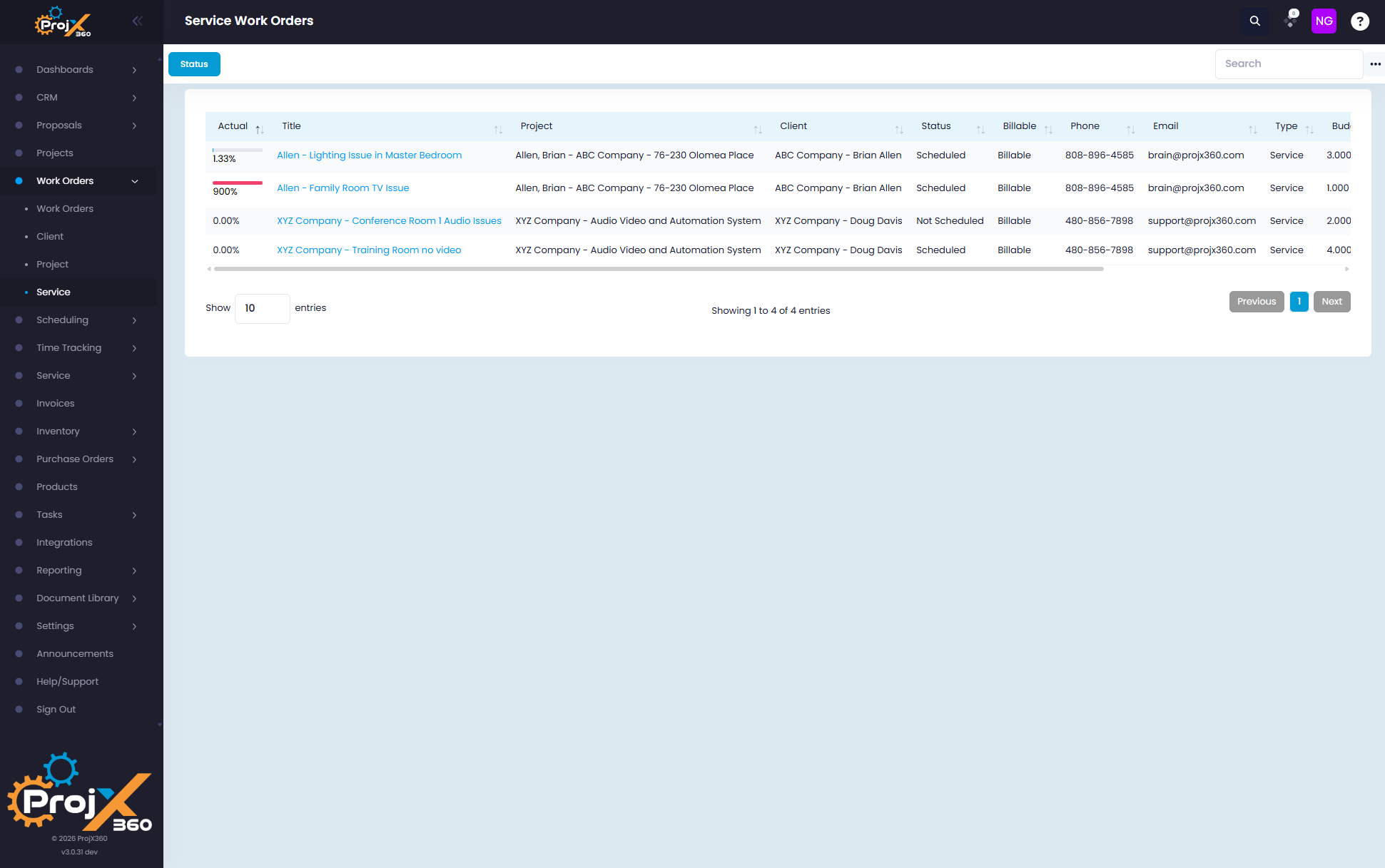
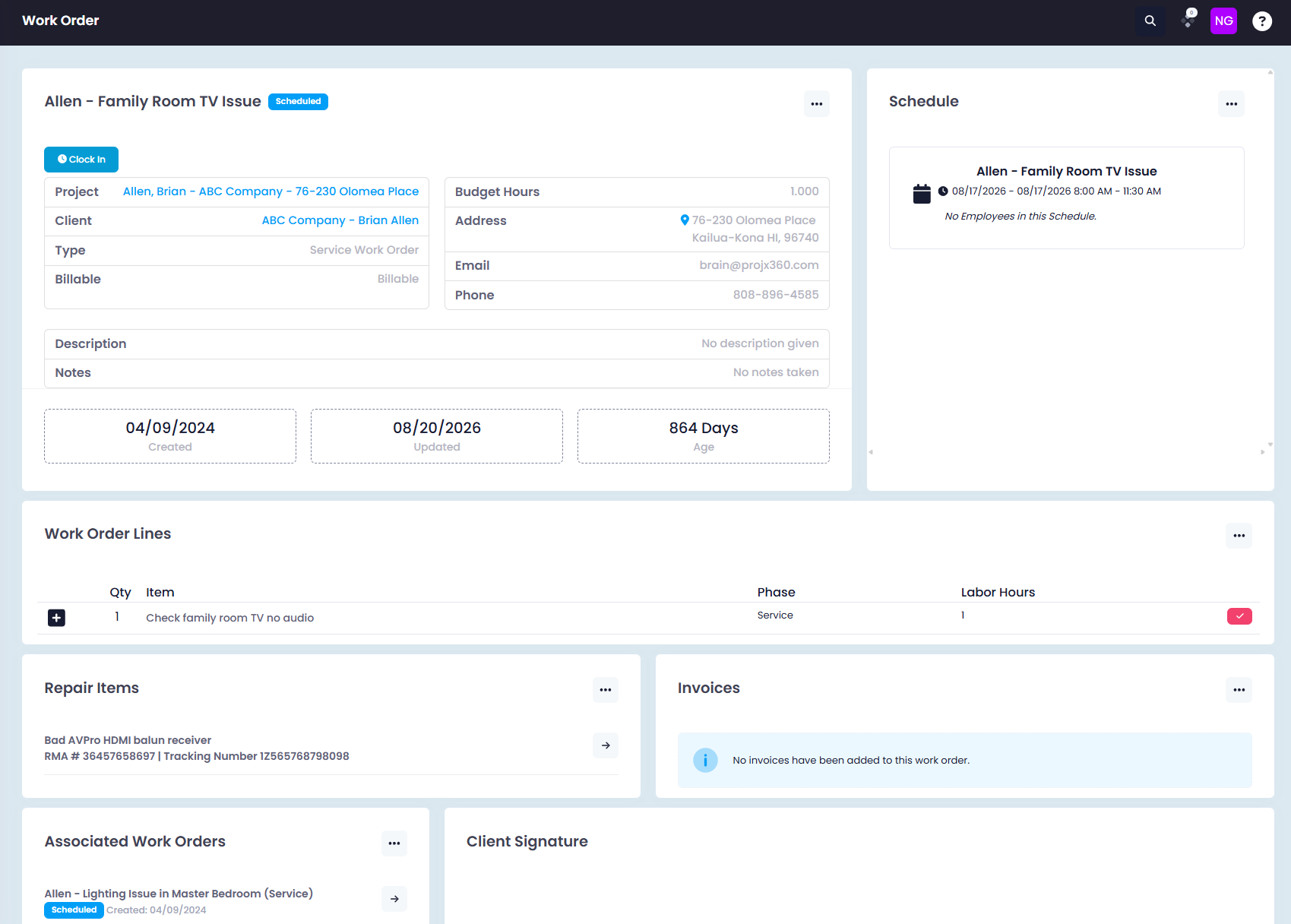
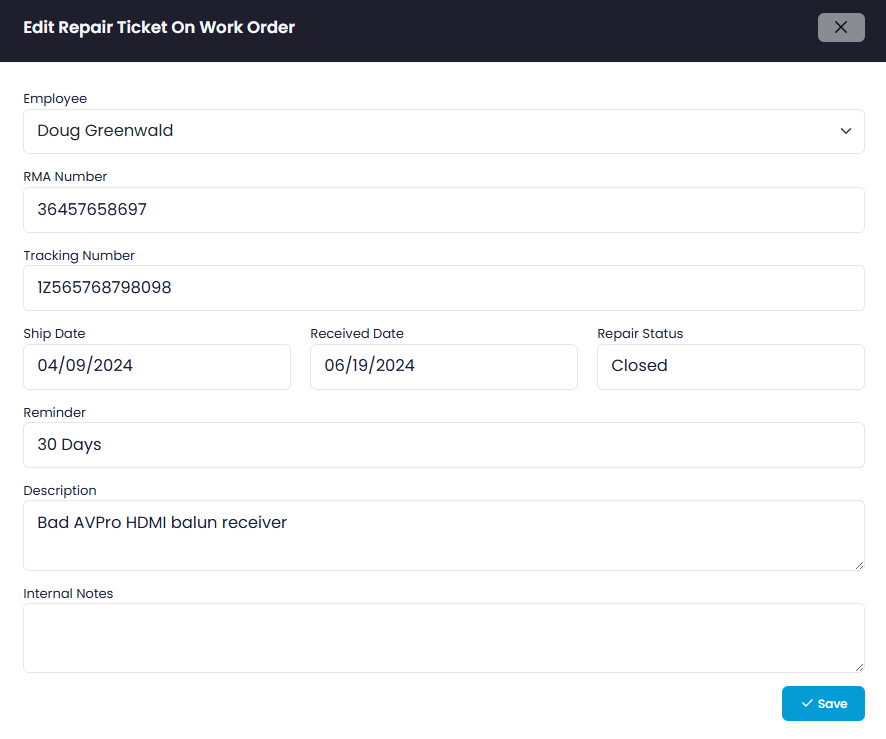
Everything You Need to Manage Service
Once a project is completed, move it into service and continue supporting your customer with the same project information and service history in ProjX360.
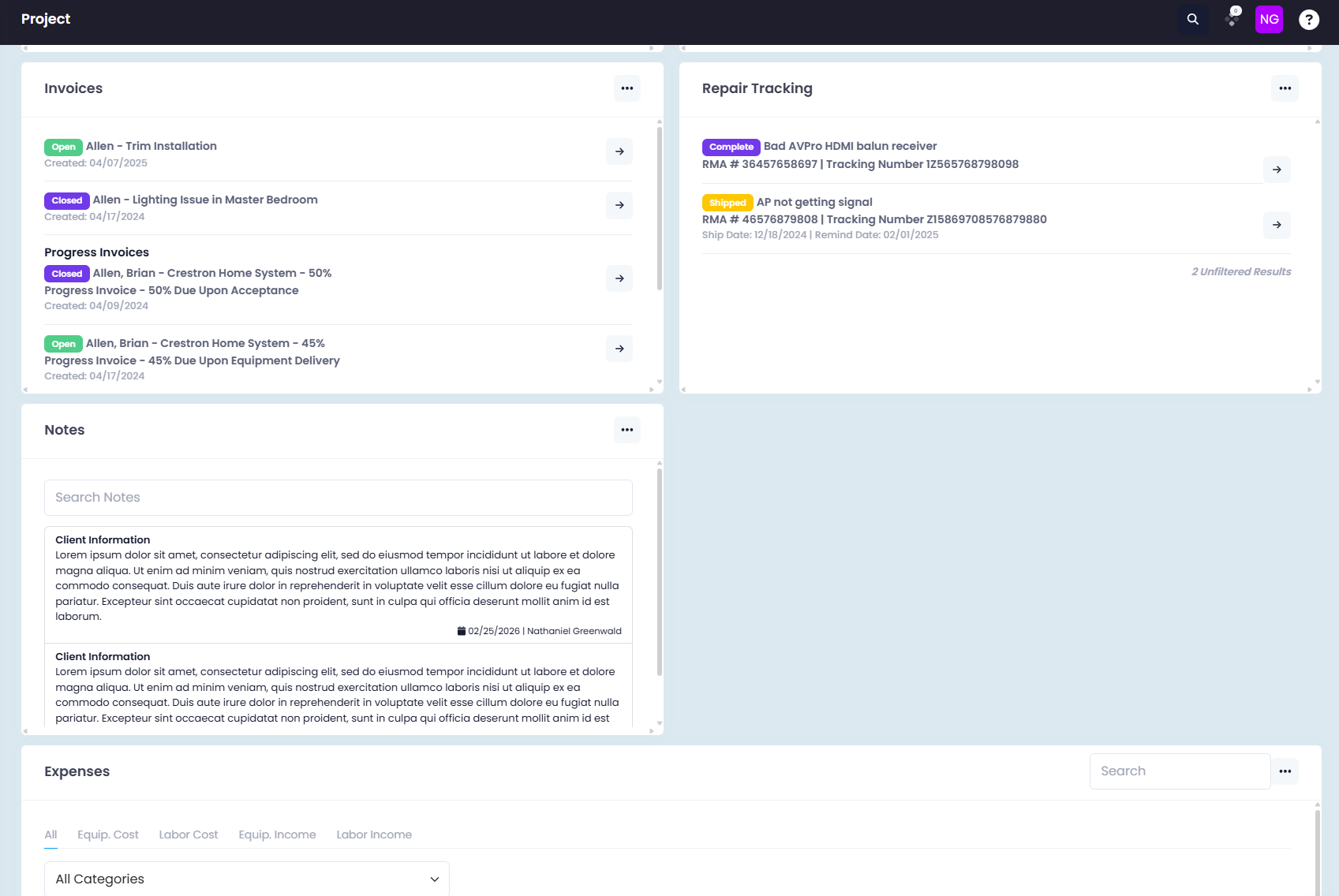
Keep Service Connected to the Project
When a project moves into service, your team can continue managing service work and repair history without losing the information connected to the project.
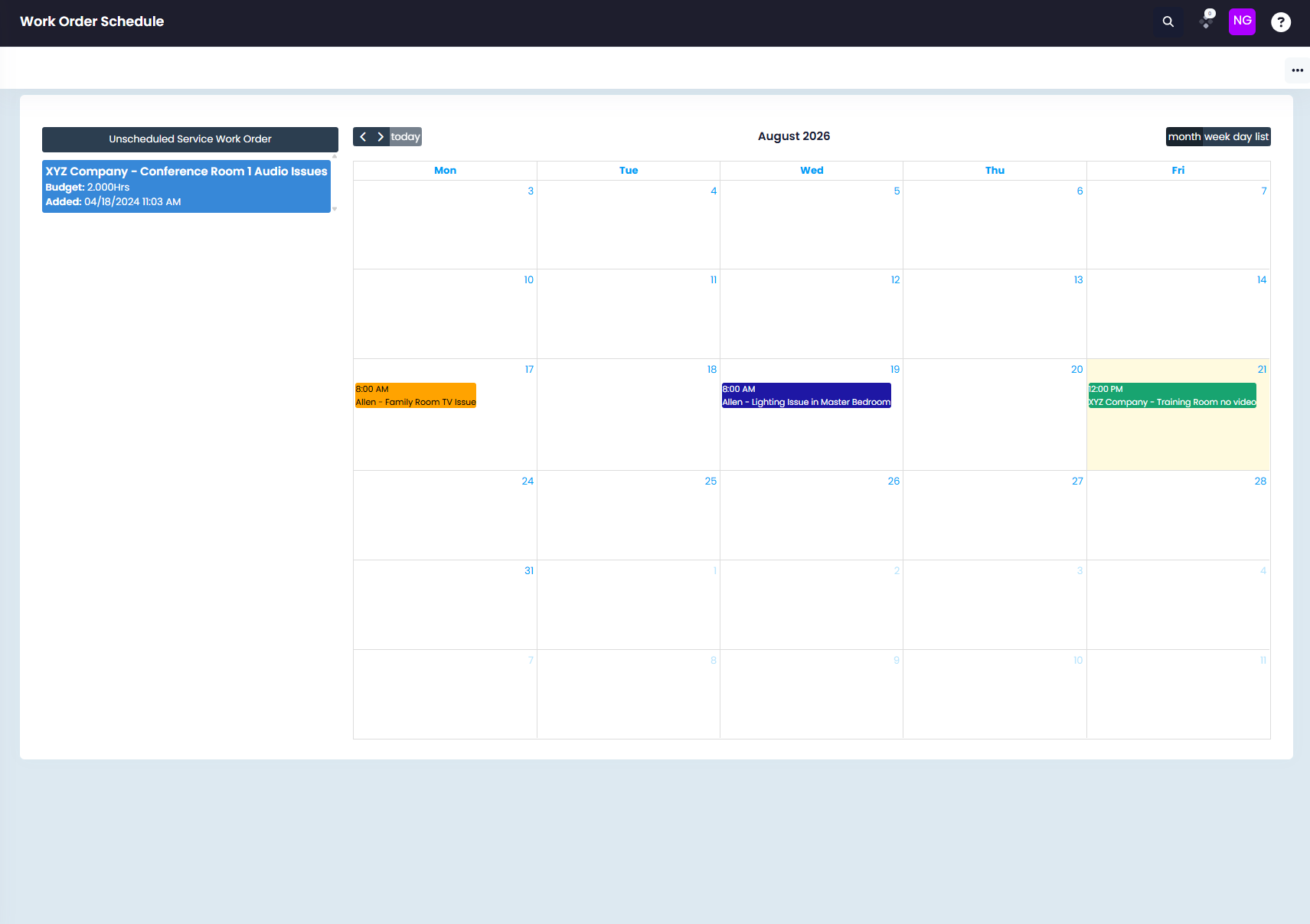
Know Where Every Project Stands
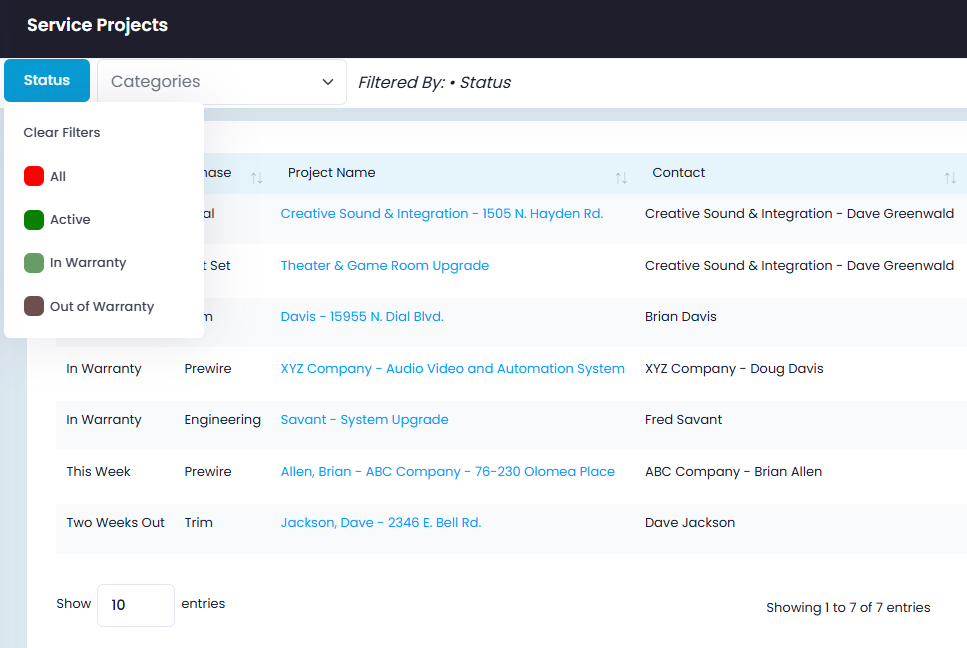
After a project is completed, move it into service status and quickly see whether it is covered by warranty or outside of warranty.
Keep Your Customers Supported
Manage service work, warranties, and repairs while keeping your customer's project history organized in one place.
Schedule a Demo →